
Empower your Team and Clients to Report and Resolve Bugs 2x Faster
SureFeedback helps you track and resolve bugs efficiently so that you can deliver bug-free clients projects faster.


Visual Bug Reporting
Point, click & describe. Bug reporting has never been this easy. SureFeedback makes it easy for Techie and Non Techie users to report, track and resolve bugs.
Clearer Feedback, Faster Resolution
SureFeedback helps developers reproduce and resolve bugs by providing additional technical info, including: Console logs, Network requests, Browser info, Device, Comments And more!


Help Developers resolve bugs
SureFeedback helps developers reproduce and resolve bugs by providing additional technical info, including: Console logs, Network requests, Browser info, Device, Comments And more!
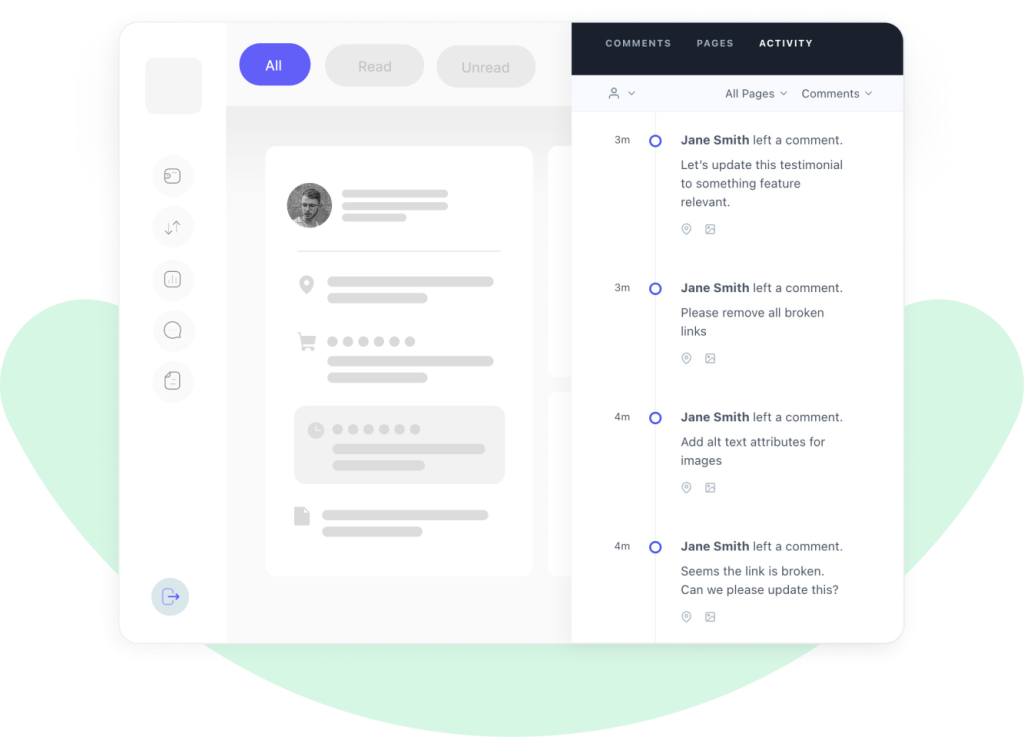
Keep track of changes.
SureFeedback keeps an interactive history of every project so that you can compare past iterations with present ones. You can also restore previous versions with the click of a button.
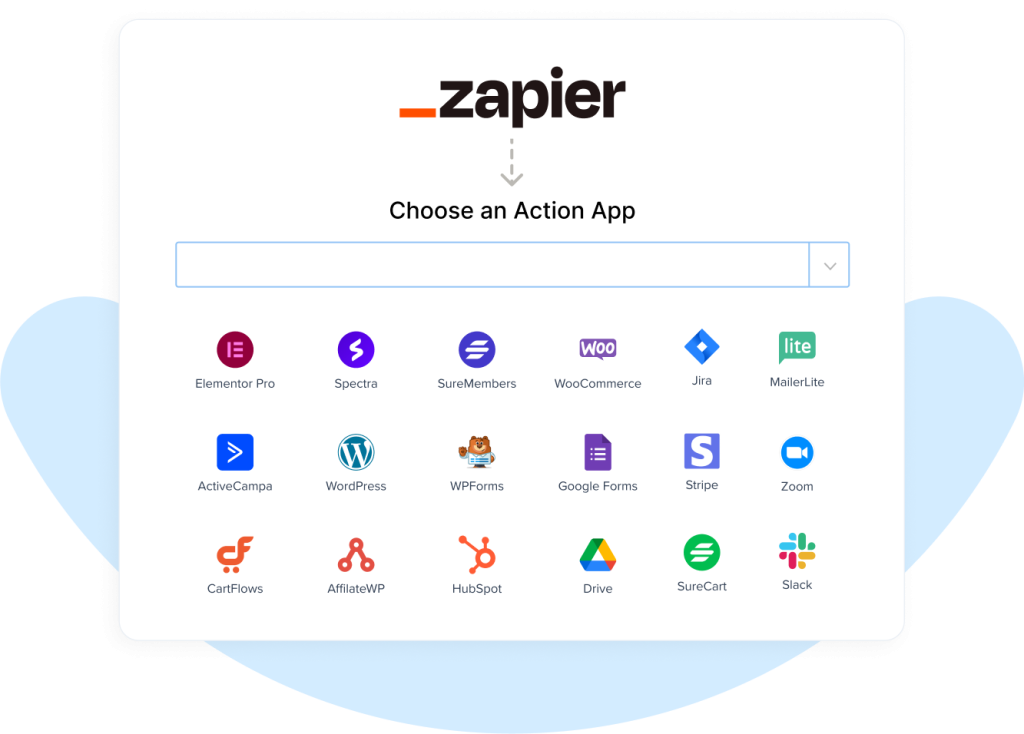
Integrate with other tools
Report bugs within seconds without disrupting your workflow. SureFeedback can provide automatic real time reporting by integrating with your favourite project management tools
Trusted by Most Efficient QA Teams
Hear from our satisfied users.
I work at a mid-size agency and SureFeedback has been invaluable for tracking internal and client feedback in a centralized, user-friendly way.

Topher
McCulloch – Senior Front End Developer at Pivot Design
Brilliant plugin and great value-add to any web or design agency. SureFeedback definitely delivers on all fronts, INCLUDING super fast support.

Ryan Hudson
Agency Owner at Hello Hudson
Frequently Asked Questions
If your question is not listed, please contact us from here
No. The self-hosted plugin is not being discontinued. It will continue receiving maintenance updates, compatibility improvements and stability support. There are no sunset timelines and no forced transitions. Cloud expands what SureFeedback can do, but it doesn’t invalidate the plugin.
No. Both versions operate independently, and there is no forced migration.
You can continue using the Self-Hosted plugin as it is and adopt Cloud for new projects based on your requirements. Both versions are maintained separately.
No. Your self-hosted data remains stored on your own server. Cloud does not automatically transfer, modify, or remove any plugin data. If migration tools or transition paths are introduced in the future, they will be optional and clearly documented.
Yes. Some teams use the self-hosted plugin for WordPress-only projects and Cloud for multi-platform clients. Others adopt Cloud for new projects while keeping legacy workflows in the plugin. There is no restriction preventing you from using both based on what fits each project.
Cloud runs on managed infrastructure with continuous backend services. That includes real-time notifications, analytics processing, workflow engines, authentication systems, secure access and scaling infrastructure. The subscription model covers the cost of running that environment and continued development.
No. In most cases, it’s faster. You create an account, add a site and connect it via a lightweight script or the WordPress connector plugin. There is no dashboard site to configure and no hosting to provision. New projects can be live in minutes.
No. Clients can leave feedback as guests without creating accounts. You can also assign structured roles if you want them involved in approvals or tracked workflows. Internal-only comments ensure your team discussions remain private when needed.
SureFeedback Cloud includes managed authentication, magic-link login options, token-based site connections, optional two-factor authentication and monitored infrastructure.
With the plugin, security depends on your WordPress setup and hosting configuration. Both are secure when managed properly, but Cloud centralizes that responsibility.
If hosting feedback data exclusively on your own server is a strict requirement, self-hosted remains the better fit. SureFeedback Cloud stores data securely within managed infrastructure and does not run inside your own hosting environment.
Yes. Cloud is where advanced workflows, analytics expansion, cross-platform capabilities and infrastructure improvements will continue to grow. Self-hosted remains supported and stable, but Cloud represents the primary direction for platform expansion.
Start your free trial today
Ready to Transform Your Feedback?
Join thousands of teams collecting better feedback with SureFeedback