
Self-Hosted Vs Cloud
Collect Feedback Your Way
OR
SureFeedback Self-Hosted vs Cloud
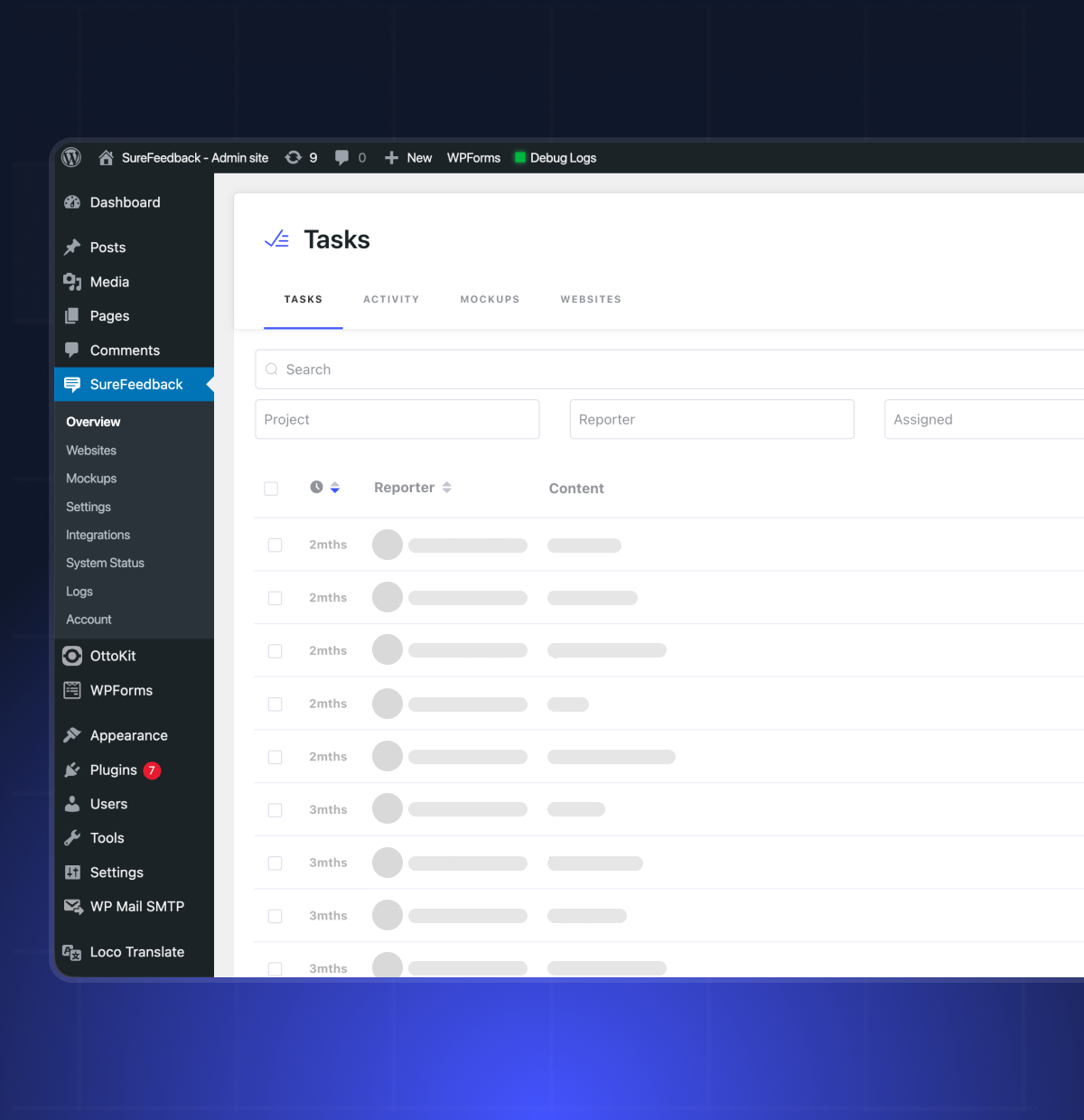
Self-Hosted SureFeedback runs as a WordPress plugin inside your own installation, with you managing hosting and updates. It suits WordPress-focused teams that want full control and lifetime pricing.
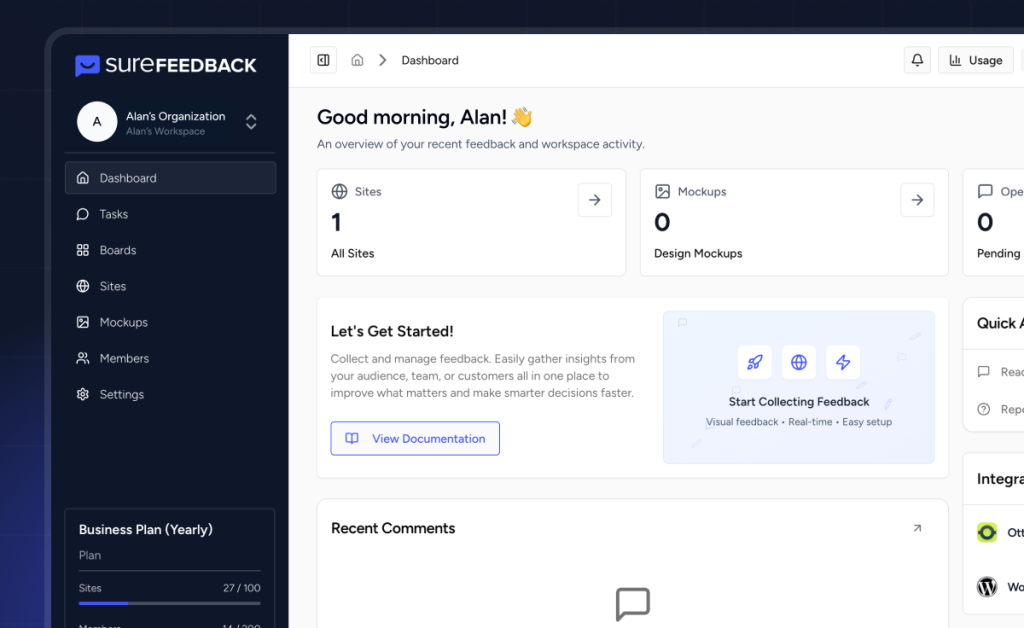
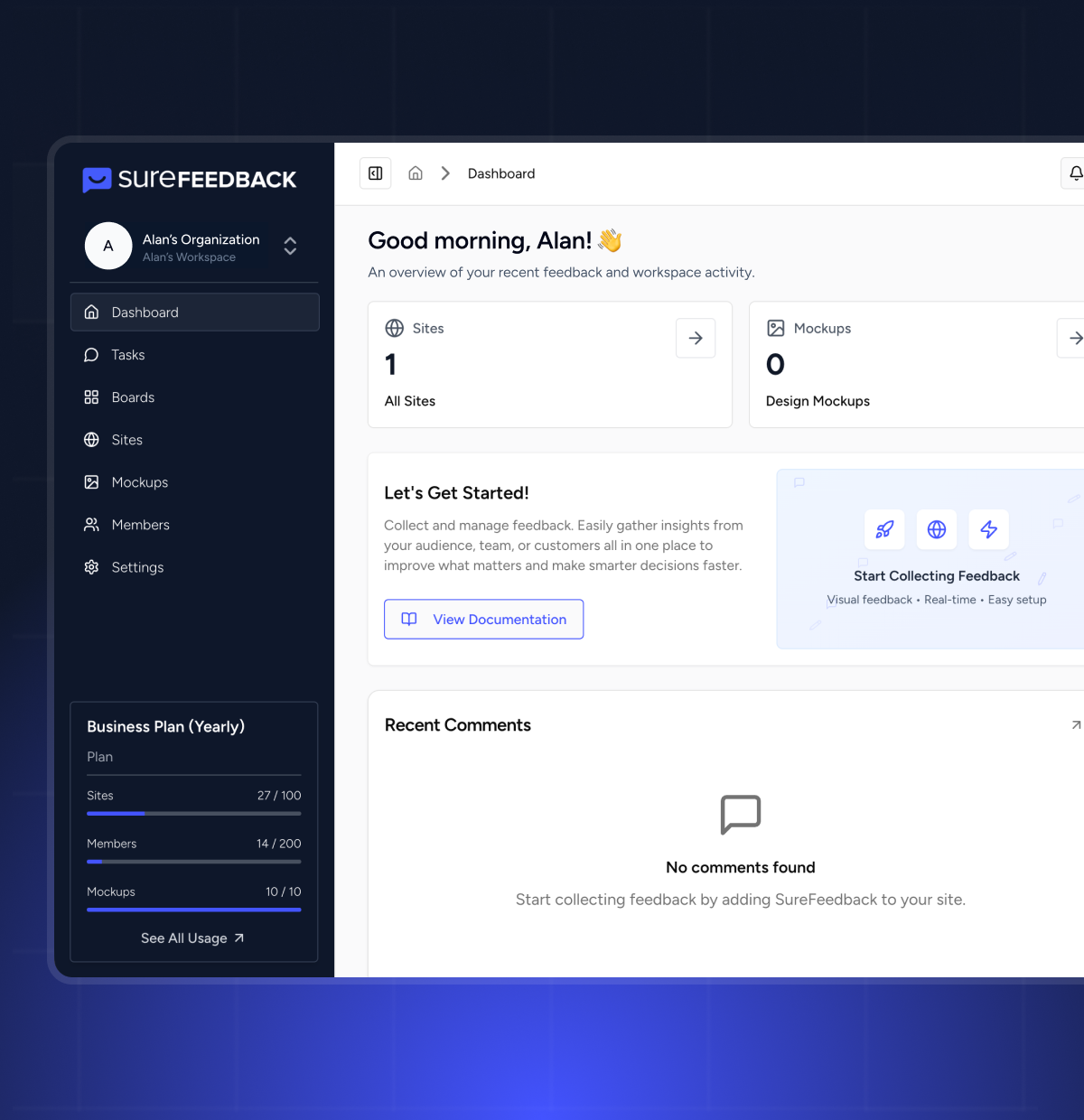
SureFeedback Cloud is a fully managed SaaS platform that works on WordPress, Shopify, and custom sites from one central dashboard. There’s no WordPress dependency or maintenance overhead.

SureFeedback Self-Hosted
- WordPress-based plugin
- You manage hosting and updates
- Full server-level data control
- Best for WordPress-centric teams
SureFeedback Cloud
- Fully managed SaaS platform
- Runs from a dedicated cloud
- Secure managed infrastructure
- Best for multi-platform teams
3 Reasons To Use SureFeedback Cloud
Removes WordPress dependency
- No dashboard site to maintain
- No hosting performance concerns
- No PHP updates to worry about
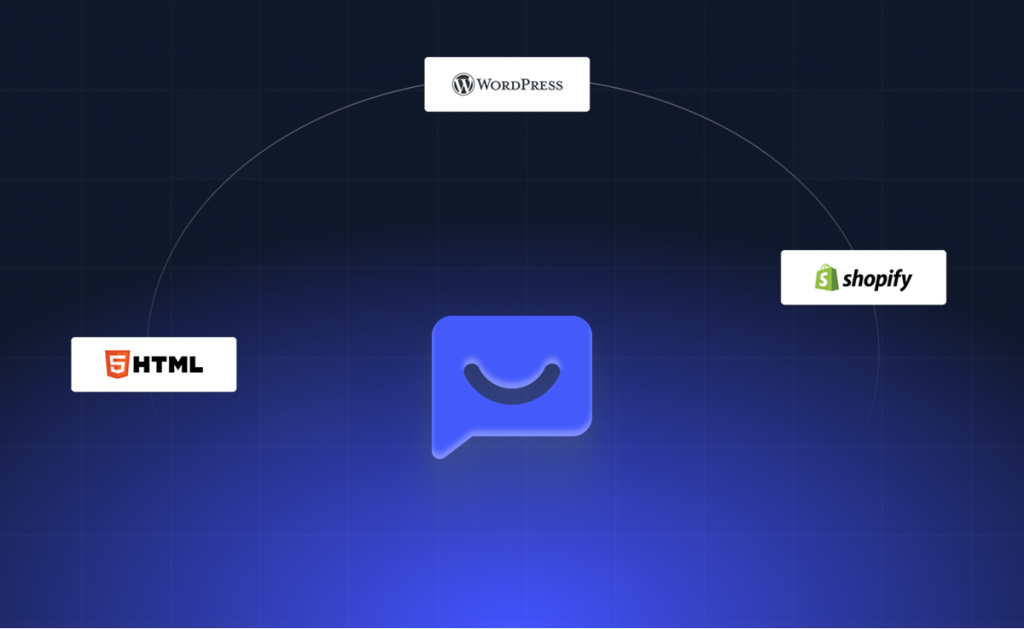
Works on every platform
- WordPress
- Shopify
- Custom React apps
- Static HTML sites
Built for scaling teams
- Granular organization and project roles
- Internal-only comments for teams
- Custom workflow editor
- Kanban board with WIP limits
- Advanced filtering and bulk actions

One Dashboard. Unlimited Members. Zero Maintenance.
| SureFeedback Self-Hosted (Plugin) | SureFeedback Cloud (SaaS) | |
|---|---|---|
| Setup | Install WordPress plugin on a dashboard site | Sign up and connect any site |
| Hosting | You manage server and WordPress | Fully managed by SureFeedback |
| Works On | WordPress-first, non-WP via widget | Any WordPress, Shopify or HTML website |
| Dashboard | WordPress admin dashboard | Dedicated cloud dashboard |
| Pricing Model | Per dashboard site (1, 3, or 5 sites) | Per plan tier (Starter, Professional, Business) |
| Updates | Manual plugin updates | Automatic, always up to date |
| Integrations | Figma, Sketch, Adobe XD | Figma (direct), Google OAuth, AWS S3, SureCart, WordPress |
| Customization | White-label and branding | Workflows, statuses, icons, colors, kanban board |
| Platform and Multi-Site Support | ✅ WordPress-centric by design ✅ Non-WordPress sites supported via embed scripts ✅ Management layer always lives inside WordPress ✅ Plans tied to WordPress dashboard installations | ✅ Platform-agnostic ✅ Works identically on WP, Shopify or HTML sites ✅ All sites managed centrally from Cloud dashboard ✅ No WordPress dependency |
| Team Collaboration and Permissions | ✅ Basic team and client access ✅ Managed via WordPress user roles ✅ Unlimited users on all plans | ✅ Advanced role-based access at project and organization levels ✅ Granular permissions per project ✅ Internal-only comments invisible to clients ✅ No hacks or workarounds required |
| Workflow and Feedback Management | ✅ Core feedback loop, collect comments, assign tasks, approve/reject and track status ✅ Ideal for simple review cycles | ✅ Fully customizable workflow engine with custom statuses ✅ Visual workflow editor ✅ Kanban board with drag and drop ✅ Bulk operations across multiple feedback items ✅ Advanced filtering |
| Design Review and Mockups | ✅ Upload images and PDFs ✅ Annotate and comment ✅ Integrates via exports from Figma, Sketch and Adobe XD | ✅ All self-hosted features ✅ Direct Figma import via API ✅ Version history with tracked iterations ✅ Formal approval workflows with audit trails ✅ Secure guest links (token-based access) ✅ Request changes flow routed back to designers |
| Notifications and Real-Time Collaboration | ✅ Email notifications via WordPress ✅ Limited real-time interaction | ✅ Real-time in-app alerts ✅ @mentions in comments ✅ Thread subscriptions ✅ Configurable email digests ✅ Per-user notification preferences |
| Analytics | ✅ Basic feedback visibility via WordPress dashboard | ✅ Feedback volume trends ✅ Status and priority distribution ✅ Team response time tracking ✅ Live usage dashboard |
| Security and Authentication | ✅ WordPress authentication ✅ Security depends on web host, plugin update cadence and WordPress configuration | ✅ JWT authentication with refresh tokens ✅ Access-link passwordless login ✅ Per-site API tokens with regeneration ✅ Soft deletes (no permanent data loss) ✅ Fully managed, monitored infrastructure |
| Internationalization | ✅ English-primary ✅ Community-driven WordPress translations | ✅ Built-in support for 5 languages ✅ Per-user language and timezone preferences ✅ Dynamic switching without page reload |
Which Version Should You Choose?
Choose Self-Hosted SureFeedback
- Everything you manage runs on WordPress, so a WordPress-based dashboard fits your workflow.
- You want feedback data stored entirely within your own hosting environment.
- You prefer a one-time investment instead of recurring subscription costs.
- You’re comfortable managing WordPress infrastructure, including updates, hosting, caching, and security.
Choose SureFeedback Cloud
- As teams grow and projects get complex, SureFeedback Cloud removes operational friction.
- You manage WordPress, Shopify, or custom sites and want one dashboard.
- You want zero maintenance, no dashboard site, updates, or hosting.
- You need structured workflows with advanced permissions and project roles.
SureFeedback FAQs
All you need to know about SureFeedback Self-Hosted & Cloud
No, the self-hosted plugin is not being discontinued. It will continue to receive maintenance updates and compatibility improvements for the foreseeable future. There are no deadlines and no forced changes. SureFeedback Cloud expands the ecosystem. It does not replace the plugin.
No. Migration to SureFeedback Cloud is not needed. Both work independently. If the self-hosted version fits your workflow, you can continue using it. Cloud exists for teams that want less maintenance and more advanced collaboration features.
No. Your self-hosted data remains on your own server. SureFeedback Cloud does not automatically move, delete, or interfere with your plugin data. If you choose to use Cloud in the future, it will be a deliberate decision, not an automatic switch.
Yes , you can use both versions. Some teams use self-hosted for WordPress-only projects and SureFeedback Cloud for multi-platform clients. Others test Cloud for new projects while maintaining legacy workflows in the plugin. You’re free to structure this however it makes sense for your business.
However, we recommend not using both versions on the same website to avoid duplication or workflow conflicts.
SureFeedback Cloud runs on fully managed infrastructure. It includes real-time systems, analytics tracking, workflow engines, authentication layers and ongoing platform improvements. Unlike a static plugin, it requires continuous backend services, which all cost money that your subscription helps pay for.
No, SureFeedback Cloud is not harder to set up. In fact, setup is faster. You create an account, add a site, paste a lightweight script or install the connector plugin and you’re live. There’s no dashboard site to configure and no hosting decisions to make.
No. Guests can leave feedback without creating an account. You can also control permissions at the project level, including internal-only comments that clients cannot see.
If complete server-level control is non-negotiable, self-hosted may remain your preferred option. SureFeedback Cloud stores data securely within managed infrastructure, but it is not hosted on your personal server.
SureFeedback Cloud represents the primary direction for new infrastructure, workflow enhancements, analytics and cross-platform expansion. Self-hosted remains supported and powerful for WordPress-focused teams. You can choose the path that fits your growth stage.
Choose the Setup That Works for You
Whether you want to keep everything inside WordPress or use a scalable Cloud platform, SureFeedback gives you the flexibility to work the way you prefer.